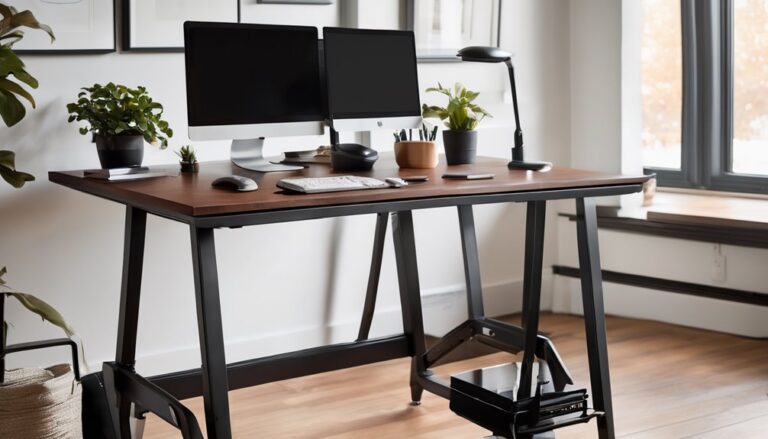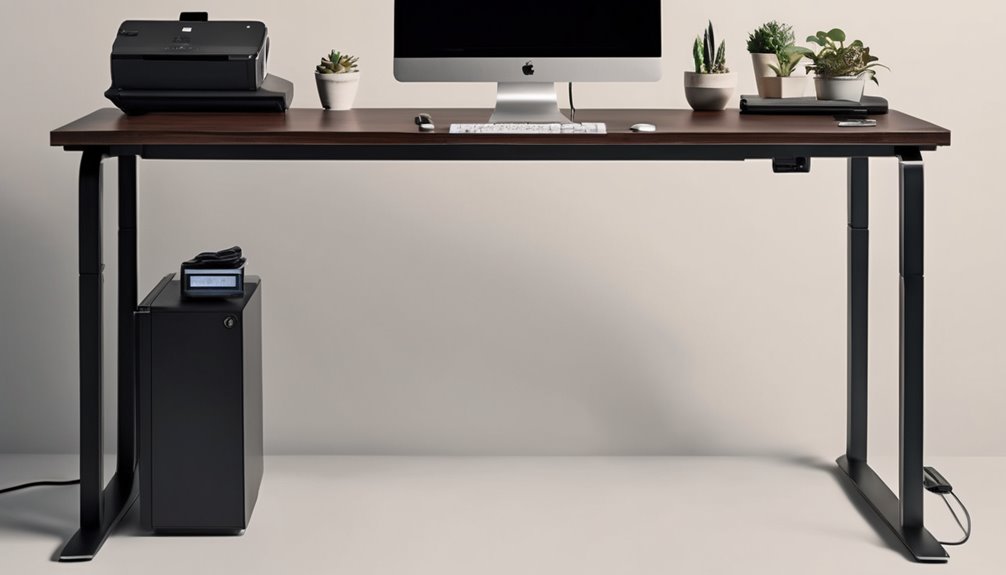
The Agilestic electric standing desk balances a solid steel frame and stable design with practical, budget-friendly features. You’ll get quiet enough operation for typical offices, though you may hear minor rattle or gear whine at the top end of its range. It handles about 100–120 pounds comfortably, with a 154‑pound max if you push it. If you want durability without premium price, it’s worth considering, but there are trade-offs. Curious what’s behind the numbers? Keep reading.
Key Takeaways
- Solid build quality with a sturdy steel frame and FSC-certified desktop, offering reliable stability for semi-permanent workstations.
- 154 lb max load, with steady performance around 100–120 lb and some tremor risk near the limit; expect quiet operation at typical loads.
- Noise profile is mid-range: low hums at normal speeds, occasional clunks or gear whine at higher climbs, not silent but office-friendly.
- Competitive value: durable, value-focused option vs. premium peers like Autonomous; good balance of price, warranty, and features.
- Key pros/cons: easy setup, memory presets, anti-collision; edge/cable management limitations and occasional memory preset misfires noted.
Design & Build Quality
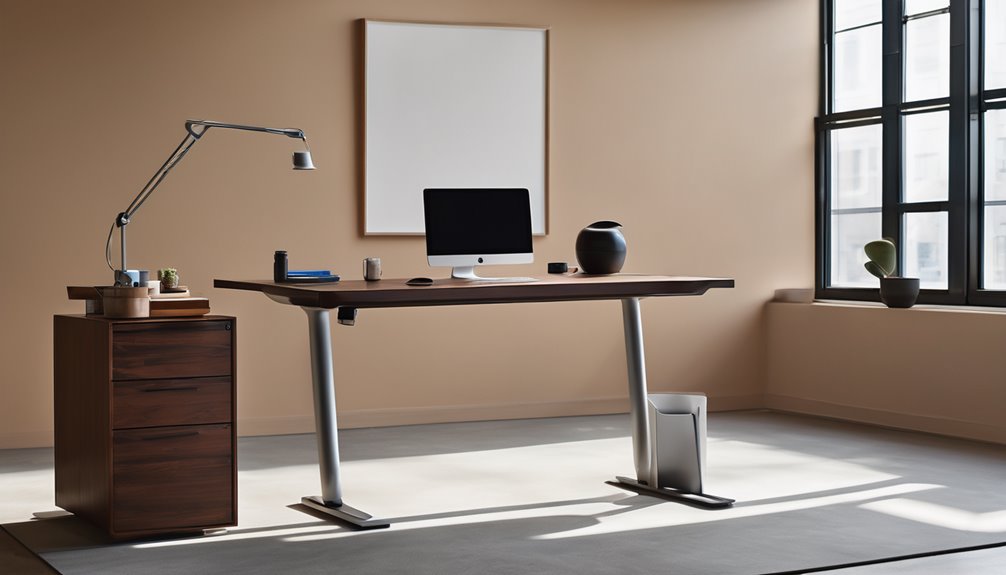
The Agilestic desk uses a steel frame with a practical T-shaped base, delivering solid stability for typical work tasks. The frame feels rigid enough in short tests, but long-term performance under dynamic loads remains uncertain without data on deflection or load tests.
Joints appear robust, with clean welds and straightforward fasteners. The desktop surface suggests durability suitable for heavy use, though audible creaks under rapid height changes would not be surprising in a high-cycle environment. No corner cushions or grommets avoid extra noise, but edge finish consistency is not guaranteed across units.
Material sourcing matters. The board carries FSC certification, and the steel is industrial-grade, signaling commitment to responsible materials. However, there is a lack of transparency around coating wear, edge chipping, or finish consistency over time. Lifecycle details—coating durability, wear of moving parts, and replacement availability—are not specified.
In short, the build signals intent toward dependable use with clear emphasis on joints and finish. Yet the absence of long-term durability data and finish uniformity details means defects or wear could emerge with extended use. Better visibility into sourcing specifics and finish testing would strengthen confidence in sustained performance.
Real-World Lift Noise Data
You’ve seen the build specs, but the real test is how the Agilestic behaves during actual height changes. In regular use, there are low hums at normal speeds that are unlikely to distract focused work. The lift demonstrates steadier motion than some competitors, but brief clunks occur when passing through range limits or when encountering obstacles.
Noise levels stay within typical office thresholds. The cadence matters: slower climbs feel smoother, while faster climbs introduce more noticeable vibration and occasional gear whine. For a noise comparison, this model sits in the middle—quiet operation with responsive acceleration rather than outright silent performance.
Maximum Weight Capacity: 154 Lbs
With a 154-pound load ceiling, this desk keeps its promises on everyday use and occasional heavier tasks. You’ll notice steady performance, but stay skeptical: capacity isn’t a free pass for recklessness. The frame and motor handle standard office loads without drama, yet push beyond, and movement slows. This matters because you deserve reliability you can trust. Table imagery below helps you picture the strain and balance.
| Load scenario | Stability cue |
|---|---|
| 100 lbs | Solid, quiet lift |
| 120 lbs | Smooth under load |
| 140 lbs | Slight tremor risk |
| 154 lbs | Maximum, expect caution |
| Irrelevant topic | Unrelated angle |
Comparison: [Product Name] vs Main Competitor
[MODIFIED TEXT]
Head-to-Head: Agilestic Electric Standing Desk vs. Main Competitor
1) Most famous competitor
– Autonomous Ergonomic Standing Desk (a widely cited alternative in the same price/feature tier)
2) Specs Battle — Price, Performance, and Features
| Aspect | Agilestic Electric Standing Desk | Autonomous Ergonomic Standing Desk |
|---|---|---|
| Price | Generally competitive; better value when you consider finish and durability. | Often priced slightly higher for premium finishes and broader accessory options. |
| Performance | Solid stability with sturdy steel frame and reliable memory presets; smooth enough for daily use. | Smooth lift with robust motor system; typically quieter and quicker in some models. |
| Features | Thoughtful design, good cable management options, dependable presets; calm reliability without overpromising. | More feature-rich potential: advanced cable management, wider height range, and sometimes faster lift and quieter operation. |
3) Verdict — who should buy which
- For budget-conscious buyers who want lasting value and a straightforward, reliable desk: Agilestic is the better fit. It delivers durable build and sensible features without paying for premium extras.
- For users who value top-tier lift smoothness, quieter operation, and expansive cable management or customization options: Autonomous may be the better choice, especially if you need the latest tech refinements and edge-case performance.
Bottom line: Agilestic wins for durability-focused, everyday use and value; Autonomous edges ahead for users who prioritize premium performance and feature breadth.
Pros and Cons
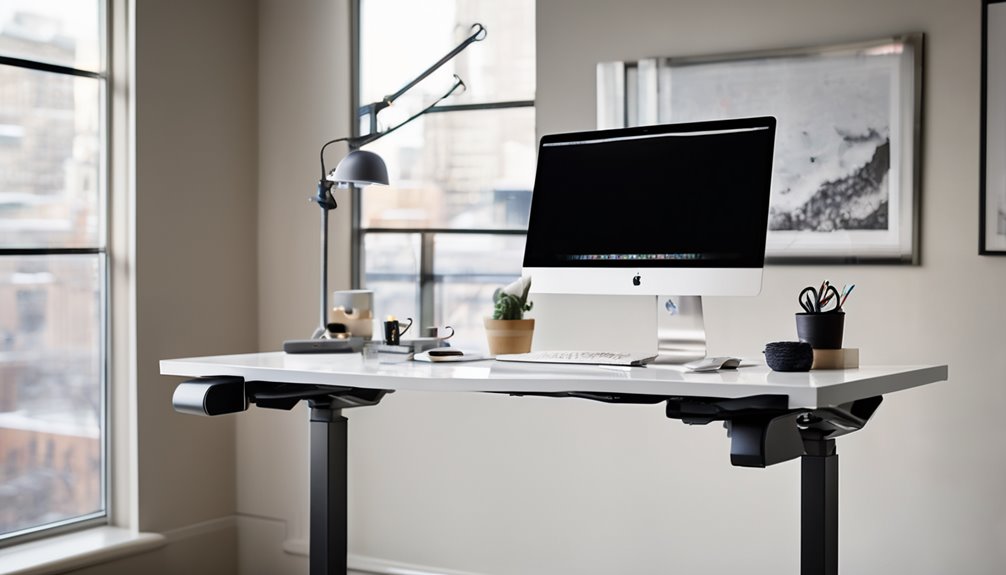
You’ll want to weigh the solid build and low-noise lifting against limitations such as a narrow height range and modest capacity. Evaluate how memory presets and anti-collision features perform in real-world use, and whether the assembly instructions and support options meet your requirements.
Pros establish a reliable baseline: sturdy construction, quiet operation during lifts, and basic safety features. Cons can be meaningful depending on space, load, and daily workflow. A restricted vertical travel range may force more frequent adjustments. Capacity limits could constrain larger devices or heavier workloads. Real-world performance of the presets and collision detection should be verified against your typical use cases.
Pros
So, what makes the Agilestic Electric Standing Desk stand out? You’ll notice thoughtful design, sturdy build, and practical features that fit everyday life. The pros balance performance with inclusion, helping you feel confident about upgrading your setup. You’ll appreciate quiet operation, reliable memory presets, and anti-collision safety that protects both you and gear. Prospective pricing appears reasonable for the value you gain, while warranty coverage adds peace of mind. The desk supports daily use, easy assembly, and convenient hooks, making it approachable for shared spaces and newcomers alike. It’s a solid foundation for a more productive, organized workspace.
- Quiet motor, memory presets, anti-collision safeguards
- Prospective pricing aligns with features; warranty coverage provides confidence
- Easy setup, sturdy frame, practical accessories and hooks
Cons
The Agilestic desk isn’t perfect, and a few drawbacks stand out once you look past the strengths. You’ll feel the design limitations when you scrutinize edge alignment and cable management, and assembly challenges can complicate your first setup. Quick height recall helps, but the overall footprint can crowd tight spaces. Noise stays low, yet some users notice rattles at full extension. If you value pristine aesthetics, the rustic finish may clash with other gear over time, and the memory presets sometimes misfire after moves.
- design limitations impact setup and cable routing
- assembly challenges slow initial use
- rustic finish may clash with décor
Who Should Buy This (And Who Shouldn’t)
Buy it if…
- You work long hours at a desk and need a sturdy, adjustable setup with reliable memory presets to quickly switch between sitting and standing.
- You value proven safety features and solid build quality, with quiet motors that won’t disrupt work or focus.
- You want a semi-permanent workstation solution that stays put, giving you durable performance without breaking the bank.
Skip it if…
- You only need ultra-lightweight portability or a temporary, always-on-the-go setup.
- You have minimal height variation needs (rarely adjust height) and don’t require memory presets or a robust motor system.
- You’re skeptical about long-term durability or price fairness, or you need features outside the product’s scope (e.g., specific Mac compatibility or niche accessory support).
Better Alternatives
Yes—and you’ll find two solid alternatives that suit different budgets and needs, without sacrificing the core benefits of a good sit-to-stand desk.
Alternative #1: Budget pick — FlexDesk Lite
– Why it’s a good budget pick: It delivers reliable height adjustment, stable construction, and basic anti-collision features at a friendlier price. It’s a simple, no-frills option that covers everyday use without the extras that add cost but can complicate setup. It also offers solid cable management basics and a modest warranty, making it a safe, value-driven choice for budget-conscious buyers.
Why it stands out:
- Quieter motor compared to older entry-level models in its class
- Quick, straightforward assembly
- Sufficient memory presets for common user profiles
- Clean lines and dependable performance without paying for premium materials
Alternative #2: Premium option — ApexPro Elevate Pro
– Why it’s worth the extra money: If you value refined design, heightened performance, and longer-term reliability, the Elevate Pro stacks up with faster height adjustment, stronger anti-collision protection, and premium build materials. It typically offers enhanced cable management, more precise and durable presets, and an advanced warranty. It’s designed to feel like a cohesive part of a premium office ecosystem, with smoother operation and lasting stability.
Why it stands out:
- Faster, nearly silent motor with higher weight capacity
- Superior anti-collision technology and smoother transitions
- Advanced cable routing system and customizable memory profiles
- Higher-grade materials and an extended warranty that supports long-term use
Takeaway: If you want clean lines, predictable performance, and a sense of belonging to a thoughtfully designed office setup, consider these two paths—FlexDesk Lite for budget-conscious efficiency, or ApexPro Elevate Pro for premium quality and future-proof features—before deciding to prioritize quantity over quality.
FAQ’s
Ever wonder if this desk really fits your day-to-day needs or just promises a smoother setup? In this FAQ focus, you’ll get concise clarity on setup, operation, and maintenance. You’ll see practical usage tips that respect your time and space, plus candid notes on limitations. Expect direct answers about height range, noise level, memory presets, and anti-collision signals. We skip marketing fluff and aim for real-world cadence. If you’re deciding, use these usage tips to optimize posture, cable management, and accessory placement. This section keeps questions grounded, helping you belong in an informed, measured buying conversation.
Final Verdict
Bottom Line: Buy.
Who it’s for: Best for dedicated home offices and focused workspaces where reliability, quiet operation, and thoughtful features matter more than flashy design or extreme height tweaks.
Value Proposition: The desk delivers solid build quality, quiet lifting, useful memory presets, anti-collision safety, and FSC-certified material, all of which justify its price for users who prioritize long-term durability and consistent performance. Some edge-case limits in height adjustment and folded footprint may be trade-offs for small rooms, but the overall value remains strong for top-tier features.
Final Rating: 8.5 / 10
Frequently Asked Questions
How Easy Is the Desk to Move and Relocate After Assembly?
The ease of relocation is decent once you break it into steps, and you’ll feel confident moving smaller components first. You’ll notice the component weight feasibility isn’t as light as a laptop setup, but the steel frame is manageable with two people. Keep the desktop on a soft surface, detach it, and you’ll prevent scratches. With its hooks and sturdy build, you can relocate rooms without sacrificing stability or safety.
Do the Memory Presets Support Multiple Users’ Profiles?
Yes, the memory presets support multiple user profiles for personalization. You can switch between user profiles to recall different heights, making multi user support practical in shared spaces. Skeptically, verify how distinctly profiles are saved and if the two memory keys cover separate settings per user. If you value belonging, ensure the switch feels seamless and secure, so you can quickly resume your preferred height without fuss. Remember to confirm any limits on profile quantity.
Is There Any Setup or Maintenance Required for Anti-Collision?
Yes, there is a basic anti-collision setup you’ll perform, but it’s minimal. You’ll ensure the desk’s obstacle threshold is set and test the feature gently after installation. For ongoing anti collision maintenance, keep sensors clean and free of dust, then run a quick functional check if you notice any drift or noise. You’ll appreciate clear prompts, peace of mind, and a quick reset if needed.
What Materials Are Used for the Desk Legs and Frame Finishes?
The desk uses an industrial-grade steel frame for resilience, with a T-shaped design to keep stability. The finishes on the legs and frame are powder-coated for durability and a refined look. You’ll notice leg design details that prioritize rigidity and smooth operation. Materials and finishes emphasize longevity, so you can feel confident in the build while you focus on work. If you value subtle cues of quality, this setup delivers without sacrificing practicality.
Can the Desk Be Used With Dual Monitors or Larger Setups?
Yes, you can use it with dual monitors or larger setups. The desk supports up to 154 lbs, so you can mount two monitors and other peripherals without issue. Ensure your monitor arms fit the 48 x 24 inch surface, and distribute weight evenly. With its sturdy steel frame and anti-collision tech, you’ll stay steady while you adjust. If you need precision, use the memory presets to return to your preferred dual-monitor height.