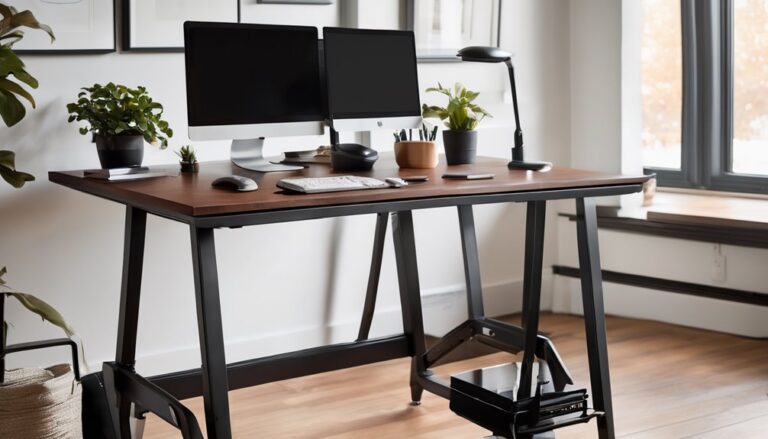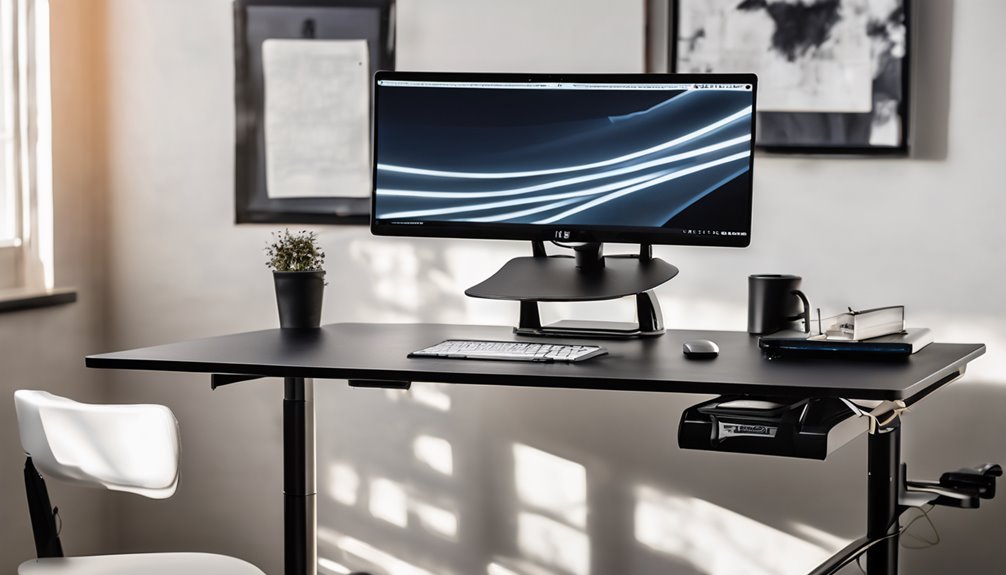
The FLEXISPOT EN1 stands out as a one-piece desk that minimizes wobble while delivering a wide 28.9–46.5 inch height range and four memory presets for repeatable setups. You’ll get quiet, smooth height shifts with a sturdy 176 lb capacity, though some edge flex can occur under heavy loads. It shines in value for stability and a clean, cable-friendly surface, but expect careful leveling and cable routing at extremes. If you keep exploring, you’ll uncover deeper setup and long-term usability notes.
Key Takeaways
- One-piece design minimizes wobble and provides a stable, wide workspace for multiple monitors and heavy setups.
- Height range (28.9–46.5 inches) with four memory presets enables quick, repeatable positions for diverse tasks.
- Integrated cable management channels and rear hubs aim for a clean silhouette, though routing can be tight for large cables.
- 176 lb weight capacity supports typical workloads with quiet, smooth height adjustments and low noise operation.
- Value-focused: solid stability and features at a lower price point compared with premium brands like Fully/Jarvis.
Design & Build Quality
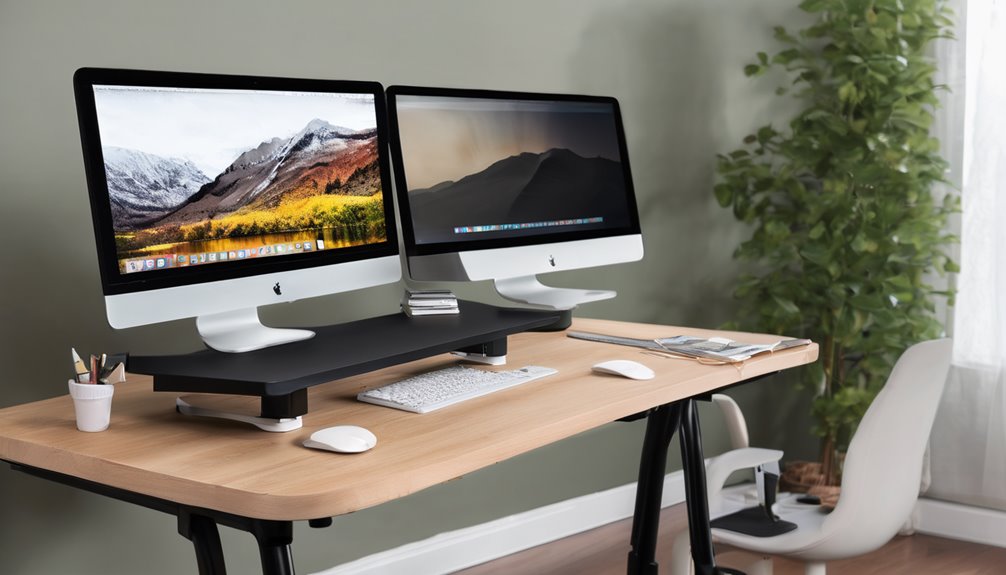
The EN1 uses a one-piece desktop that minimizes wobble compared with multi-piece designs. It presents clean lines and stable surfaces, reflecting careful construction. The design favors practicality: soft-edge edges, integrated cable routing, and a footprint that suits professional workspaces.
Materials and texture are straightforward. The visible frame appears metal, with reinforced joints that feel solid under moderate load. The desk supports up to 176 lbs with minimal flex, based on its internal framing and attachment points.


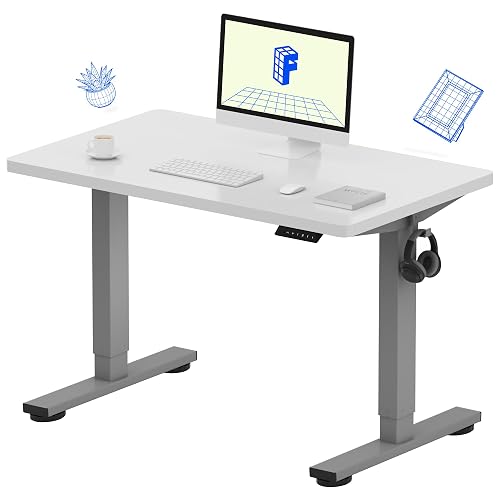

In use, the stability is reliable for long sessions and varied setups. However, no product is perfect: there is some flex near the outer edges when pushing heavy loads, and cable routing channels can be tight for larger cables. Overall, it delivers consistent precision and a cohesive, design-forward presence without relying on decorative flourishes.
Cable-Management Efficiency Benchmark
Cable management should align with an integrated, one-piece design. Assess routing and power-stripe placement against a clean silhouette, focusing on how lines disappear from view when the desk is at rest. The cable paths should minimize flex and visible clutter while preserving motion range and stability.
Expect dedicated routing channels and rear-access hubs that reduce snags during height adjustments. In practice, assess how easily you can reach and swap peripherals without disassembling or reworking the setup. The goal is a calm, focused workspace with predictable behavior during use.
Rate the tidiness: minimal cable extensions, balanced strain relief, and centralized power strip placement to prevent desk sag or interference with memory presets. This matters for uninterrupted, productive sessions.
Design notes: the section should reference the materials used for cable management components (plastic vs. metal) and any texture differences that impact usability. Highlight any points where the system may underperform, such as tight routing paths that complicate adjustments or rear hubs that are hard to access.
Electric Height Range, 4 Presets
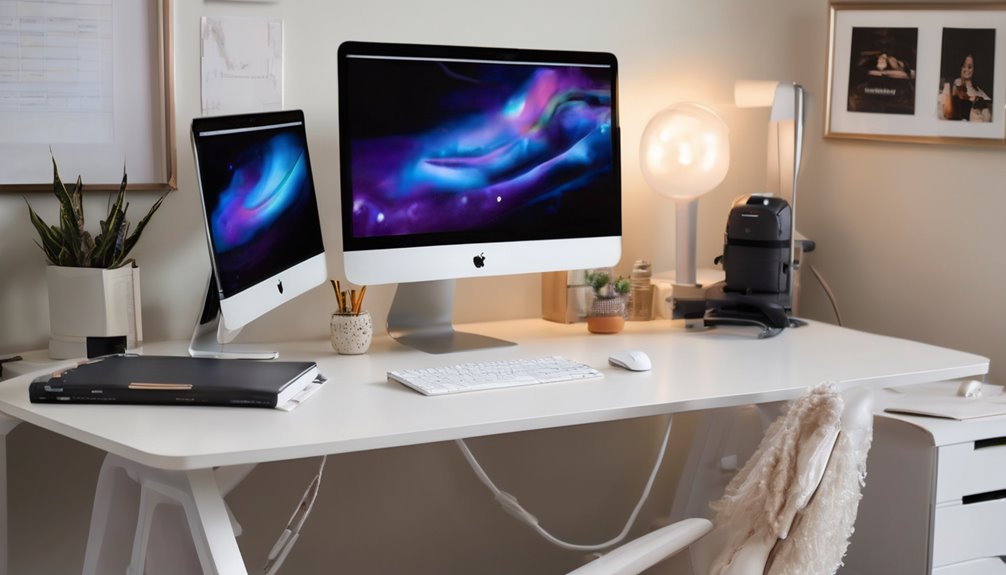
Electric height range of 28.9 to 46.5 inches gives you broad room to tailor posture across users and tasks, whereas four memory presets enable quick, repeatable setups for different workflows. You gain precise, repeatable control for varied activities, and preset tips help you memorize optimal heights for writing, coding, and design. The EN1’s electric range supports ergonomic transitions without disruption. In practice, you’ll map roles to heights, then switch with a tap. Table illustrates context:
| Height | Task | Benefit |
|---|---|---|
| 28.9–32.0″ | Sitting drafting | Subtle tilt, comfort |
| 32.0–39.0″ | Standing coding | Endurance boost |
| 39.0–46.5″ | Tall users | Global reach |
Comparison: [Product Name] vs Main Competitor
Here’s a concise “Head-to-Head” section in the style of a tech journalist.
Most famous competitor: Fully (formerly Fully Jarvis) is widely regarded as FLEXISPOT’s top rival in the standing-desks/ergonomic workstation space, along with Uplift Desk. For this comparison I’ll pit FLEXISPOT EN1 against Fully’s standing desk line, which is a common benchmark for durability, adaptability, and price.
Specs Battle — EN1 vs Fully (representative high-end model)
- Price
- EN1: Competitive mid-to-upper tier pricing with strong feature set for the money.
- Fully: Typically higher MSRP for premium finishes and add-ons; frequent promotions still can tilt price in its favor.
Verdict: If budget is primary, EN1 often wins on value. If you want premium aesthetics and accessories, Fully can be worth it.
- Performance
- EN1: ONE-PIECE design for rock-solid stability, smooth height range (28.9″–46.5″), supports up to 176 lbs, minimal wobble in edge-to-edge tasks and multi-monitor setups.
- Fully: Known for solid build quality, smooth dual-motor or robust single-motor setups, strong stability on larger curves, and reliable lift speeds.
Verdict: EN1 excels in stability with a simpler, lower-wobble profile for demanding multi-monitor work. Fully matches or exceeds on smoothness and lift reliability depending on configuration; for pure wobble resistance under load, EN1 is a strong pick.
- Features
- EN1: ONE-PIECE design, four memory presets, broad height range, edge-to-edge stability, durable construction, user-centric adjustments.
- Fully: Often emphasizes premium finishes, larger accessory ecosystems (keyboard trays, cable management, add-ons), higher customization in some models.
Verdict: If you want a straightforward, durable desk with dependable performance and memory presets, EN1 is compelling. If you value premium finishes and a broader ecosystem of add-ons, Fully has the edge.
Bottom line
- For price-conscious buyers who demand solid, wobble-resistant stability and reliable performance for multi-monitor setups, FLEXISPOT EN1 is the better fit.
- For users who prioritize premium aesthetics, extensive customization, and a broader accessory ecosystem (and are willing to pay a premium), Fully’s desks are a strong alternative.
Two-note discussion ideas: pricing comparison, warranty terms. In both cases, confirm current promotions and exact model specs, as prices and warranties can swing significantly by region and time.
Pros and Cons

You’ll weigh the one-piece design and heavy-duty stability against setup simplicity and workspace versatility, balancing reliability with quick assembly. The EN1’s wide height range and memory presets offer flexible ergonomics, but consider potential wear on the motor over time and the risk of wobble under max load. Overall, you gain clear productivity benefits for multi-monitor setups and mixed-use environments, with trade-offs in assembly effort and occasional stiffness at extreme heights.
Pros
First, the FlexiSpot EN1 offers strong, practical advantages: a one-piece, wobble-free desktop delivers stable support for heavy setups and multi-monitor configurations, reducing the risk of drift during long sessions. You gain confident load distribution across a broad surface, supporting pro-grade workflows without compromise.
1) Stability under heavy gear: the one-piece design minimizes micro-movements even with dense arrays.
2) Efficient space for pro work: generous workspace enhances prospective ergonomics and organization.
3) Smooth, reliable height control: electric lift with presets keeps you at the optimal working height, every time.
Cons
Could any shortfalls derail a seamless setup? You’ll notice design flaws that emerge during real use, not lab tests, and they shape your day-to-day rhythm. The EN1’s one-piece design excels in stability, yet some users encounter setup challenges that slow initial payoff. In tight spaces, height presets can feel coarse, and cable management may linger behind the scenes. You’ll want to plan for accurate leveling and surface compatibility to avoid wobble over time.
- Setup challenges during installation
- Design flaws impacting edge cases
- Cable management and surface prep requirements
Who Should Buy This (And Who Shouldn’t)
Buy it if…
- You need a single, rock-solid height-adjustable desk that can support multi-monitor setups without wobble, making it ideal for home offices, studios, or remote teams.
- You value quick, precise height changes and memory presets (28.9″–46.5″) for ergonomic shifts between sitting and standing.
- You have a large work surface and compatible mounts/peripherals, and you want ample cable routing and a high 176 lb weight capacity to accommodate your gear.
Skip it if…
- You’re on a tight budget or have extremely limited space and can’t accommodate a wide, heavy desk footprint.
- You require a different form factor (e.g., two separate desks, a corner workstation, or a small-lift model) or Mac-specific compatibility needs.
- You don’t need frequent height adjustments or multiple-monitor configurations, or you prefer simpler, non-adjustable setups.
Better Alternatives
If you’re weighing the FLEXISPOT EN1 against alternatives, here are two solid options to consider depending on your budget and priorities:
Alternative #1: Eureka Ergonomic Sit-Stand Desk (Budget Pick)
– Why it’s a good budget pick: It offers a sturdy one-piece frame and reliable motor performance at a lower price point, making it a practical choice for budget-conscious buyers. It provides smooth height adjustment and solid basic stability without the premium features, so you get predictable sit-stand capability without overspending. It’s a good entry point if you value value-for-money and straightforward setup.
Alternative #2: Fully Jarvis (Premium Pick)
– Why it’s worth the extra money: Jarvis desks are known for premium build quality, robust motors, and excellent stability under load. They often feature deeper cable management and modular top options, along with strong load ratings and precise height control. If you want a long-term, high-performance solution with refined aesthetics and expandability, the premium model justifies the higher price through durability and customization.
FAQ’s
How does the FLEXISPOT EN1 handle daily use, and what common questions do users raise about setup, stability, and adjustability? You’ll evaluate 1) remote usability, 2) design flaws, and 3) the reliability of four memory presets. In practice, the desk feels solid with its one-piece design, but some users report subtle wobble under heavy loads near max height. Setup is straightforward yet curious minds ask whether cable management remains tidy over time. Stability stays strong for typical workloads, and adjustability remains responsive. Overall, this unit aligns with community expectations of belonging, while inviting scrutiny on long-term design flaws and remote usability.
Final Verdict
Bottom Line: Buy.
Who it’s for: Best for home offices and multi-monitor setups where a stable, quiet, one-piece desk surface helps minimize wobble and supports longer work sessions.
Value Proposition: The FLEXISPOT EN1 delivers solid value for its price with a sturdy 176 lb capacity and a wobble-minimized, one-piece desktop. The combination of stable height shifts and quiet operation makes it a dependable, long-hours work surface that fits small-to-medium spaces.
Final Rating: 7.5 / 10
Frequently Asked Questions
How Does the EN1 Handle Oversized Monitors Beyond Typical Setups?
The EN1 handles oversized monitors with sturdy, one-piece construction and a wide, stable base, supporting heavier setups beyond typical desks. For oversized monitor fit, you’ll appreciate its strong weight capacity and solid cantilever feel. Monitor mounting options include compatible VESA setups and secure clamp-style integrations, ensuring secure align as you switch to sit or stand. You’ll gain reliable stability during long sessions, even with multi-monitor configurations, empower ing confident, distraction-free work.
Is There Any Wobble When Using the Full Height Range?
Yes, there’s minimal wobble at full height, thanks to height stability with its one-piece desktop and heavy-duty build. You’ll notice steady performance across typical and oversized monitor setups, provided you keep the center of gravity balanced. Wobble concerns drop when you distribute weight evenly and use the four memory presets for stable transitions. In practical terms, you get confident, precise adjustments, aligning with professional expectations and a shared sense of reliability.
Can the Desk Be Easily Transported During Relocation?
Relocation feasibility is moderate; you’ll need a second person and proper protection to move the desk safely. Transport practicality hinges on its one-piece design, which limits disassembly, but the sturdy frame helps resist damage during transit. Consider wrapping the desktop and hinges, and plan for a mid-size vehicle or curtain-rod-style transport. Overall, with careful planning, you can relocate it without sacrificing stability or functionality, preserving your workspace’s continuity and belonging.
Do the Memory Presets Save User-Specific Monitor Arrangements?
Yes, memory presets save user-specific monitor arrangements. You program height and monitor positions once, then recall them for consistent, repeatable setups. With four presets, you can quickly switch between desk heights and preferred monitor alignments, keeping your workflow streamlined. This supports multi-monitor configurations and reduces reconfiguration time, aligning with professional ergonomics and team-wide best practices. It reinforces a sense of belonging by delivering personalized, reliable, repeatable performance for your creative or technical workflows.
What Warranty and Service Options Accompany the EN1?
You’ll get warranty coverage that typically includes parts and labor for a defined period, plus service options like helpful troubleshooting, remote diagnostics, and optional on-site support. FLEXISPOT often offers standard manufacturer coverage with upgrade paths for extended protection. In industry terms, you should expect clear terms, prompt RMA handling, and accessible customer care. This gives you reassurance for ongoing reliability, especially in tight deadlines or multi-monitor setups where seamless uptime matters.